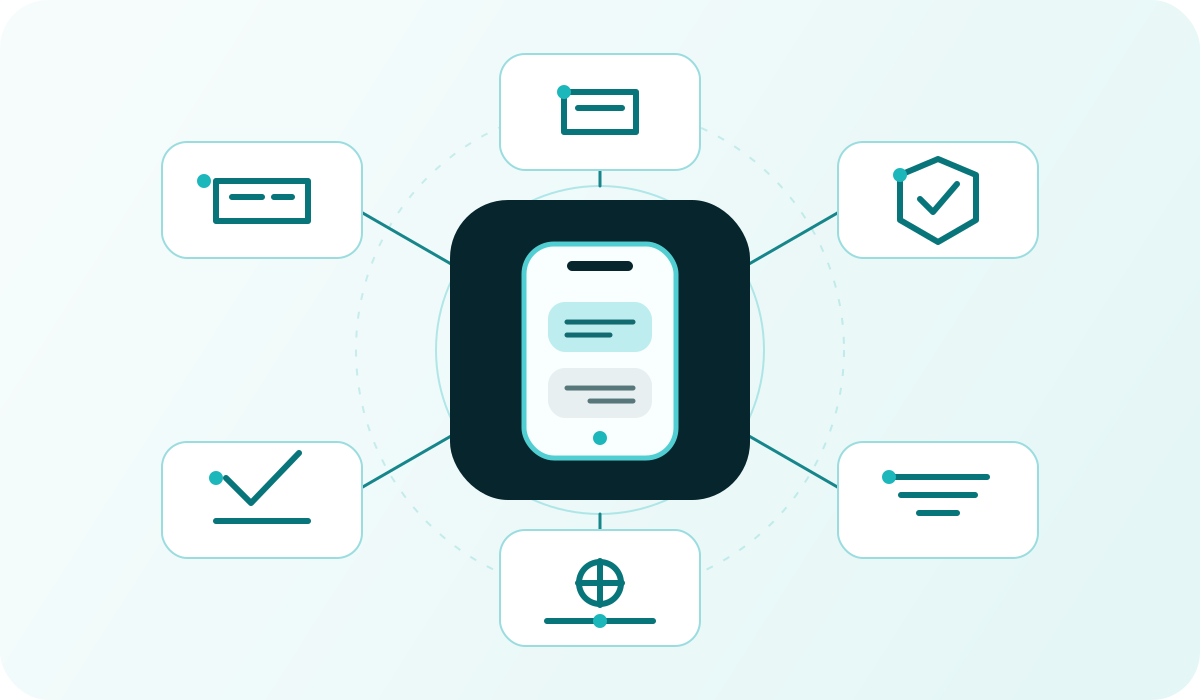
A business SMS service lets an organisation send text messages to customers, members and employees from a browser or its own software. Your team does not need to type every message on a personal mobile phone. A colleague can prepare a send to a contact list, while an online shop or booking system can request a message when an agreed event occurs.
This guide explains the practical choices before your first send. To send yourself, see how to send SMS online from a computer. For software-triggered messages, start with the Intellipush SMS API.
What is a business SMS service?
A business service brings recipients, wording, sender identity and timing into a shared workflow. It can support an individual message or a larger group. Typical uses include changed opening hours, practical membership updates, appointment reminders and marketing that recipients have agreed to receive.
The workflow matters more than company size. A small office may need automated reminders, while a larger organisation may want a colleague to approve each send. The platform overview explains how online sending, the API and preparation tools fit together.
Choose browser-based sending, an SMS API or both
- Browser: A person chooses recipients, writes the message and sends now or schedules for later. This suits contact lists and updates that need human review.
- API: Software creates a message within a defined workflow. This suits confirmations, reminders and alerts linked to events in another system.
- Both: Use the portal for account management and prepared sends, and the API where software should control the event.
Having an API does not mean every external system already has a working integration. Your organisation or a developer must build and test the connection, manage access and decide how failures are handled. Do not assume there is a ready-made plugin for a particular system unless that has been confirmed.
How to send SMS: six steps for your first campaign or update
- Define the purpose. Identify the audience and why it needs the message. Keep practical updates clearly separate from advertising.
- Create an account and check payment. An Intellipush account is free to create; normally you purchase SMS credits before sending. Check current pricing.
- Prepare recipients. Check country codes and number formats, remove duplicates and preserve opt-outs when cleaning or importing lists.
- Choose the sender and reply arrangement. Establish whether people only need to read the message or also need to reply or opt out by SMS.
- Write and test. Identify the business, lead with the important point and test the wording, link and segment count using your own recipients.
- Send and follow up. Choose the timing, review available delivery statuses and give someone responsibility for failures, replies and opt-outs.
Begin with a small, controlled sample. It is easier to find an incorrect country code, sender or link before the same error affects a whole list. For automated sending, rejected requests and repeated attempts must be part of the test as well.
What does sending SMS cost?
A useful starting point is recipient count multiplied by segments per message and the current destination price. Add any separately agreed services. One text displayed on a handset can contain several billable SMS segments; one credit is not a universal promise of one complete message to any country.
The same text sent to 500 recipients requires 500 segments if it fits into one segment, but 1,000 if it needs two. This illustrates volume, not a quoted price. Emoji, encoding and text length can change the result. Review the guide to characters and segments and pricing and payment models before setting your budget.
Intellipush has no monthly platform fee or lock-in. Prepaid SMS credits are valid for 24 months. Optional keywords, short numbers, dedicated numbers and other agreed services can have recurring rental charges and separate terms. Higher sending volumes may qualify for monthly invoicing by individual agreement. Current portal pricing at purchase remains authoritative.
Sender names, replies and international SMS
A recognisable sender name helps recipients understand who is writing, but a name is not the same as a number that can receive replies. Two-way conversations, keywords and SMS opt-outs require an appropriate arrangement available for the account and destination.
Marketing needs a working opt-out. Intellipush provides STOP/STOPP functions and suppression lists that prevent future sending to recipients who have opted out. A one-way sender needs a suitable alternative opt-out. Read the sender identity guide before choosing the arrangement.
Rules and available sender types vary between countries and messaging routes. A setup that works for Norwegian numbers should not simply be assumed to work in every European market. Confirm destinations and test representative recipients before increasing volume.
Recipient permission and privacy belong in the setup
Your organisation decides the purpose, audience and content. Possessing a phone number does not itself establish permission to advertise. Intellipush requires explicit approval for advertising SMS under its acceptable use rules. Practical updates also need an appropriate lawful basis.
When a provider processes personal data on a customer's behalf, the roles and instructions must be governed where the GDPR requires it. The Trust Centre explains privacy, data processing, security and acceptable use. The Norwegian Data Protection Authority's processor-agreement guidance explains the subjects an agreement must cover. Avoid sensitive information in ordinary SMS when a short notification leading to a secure service is sufficient.
How do you know whether a message arrived?
A created or accepted message is not the same as a delivered message. Available delivery statuses describe technical events along the messaging chain. They do not necessarily establish that the intended person read or understood the text. Before resending, check whether the first attempt is still being processed.
For troubleshooting, retain a technical reference, time and status rather than unnecessarily sharing an entire contact list. The SMS troubleshooting guide provides a practical sequence.
Choose the next step for your workflow
Read SMS from A to Z for a short explanation of the channel itself, or use the open SMS provider buyer's guide when several stakeholders are evaluating a service. Discuss your recipients, workflow and sending volume with us to clarify the setup before starting.
A relevant next step
Choose the right working method
Compare the portal, API and tools before deciding how SMS should fit in.